PRE-LAUNCH SALE Ends on 30.11.2026
Become the iOS Developer Companies Can't Find — Build & Ship a Real App in 14 Days
14 Days Agentic iOS Development Mastery is for anyone who wants to build real iOS apps and actually understand the code the AI writes — without months of tutorial loops, overpriced bootcamps, or YouTube rabbit holes.
PRE-LAUNCH SALE!
Join before 30.11.2026 to get 75% off, early access, a private community, weekly live Q&A with me, and more! And lifetime access to everything is just $48(Normally $198). Offer Expires Soon.

One of the best teachers I've ever had. The way he keeps it simple is what finally made it click. — John M`
I actually understood it, and walked away with the confidence that I got it, not just copied it. — David J`
No other teacher gave me this kind of real, industry-level experience. —
Ronen B`
Let's Face It...
Everyone Wants to Build Apps. Almost No One Finishes One.
❌
Tutorial loops never end
You open Xcode, follow a video, close it an hour later — another half-built to-do app, never anything real.
❌
The hard part is where tutorials quit
Networking, a real backend, shipping to the App Store — silence. That is exactly where everyone stalls.
❌
Entry-level is vanishing, and AI is why
Companies have more generated code than ever and fewer people who can read it. Pasting AI snippets will not get you hired. Understanding the code will.
Introducing
Introducing 14 Days Agentic iOS Mastery
✅
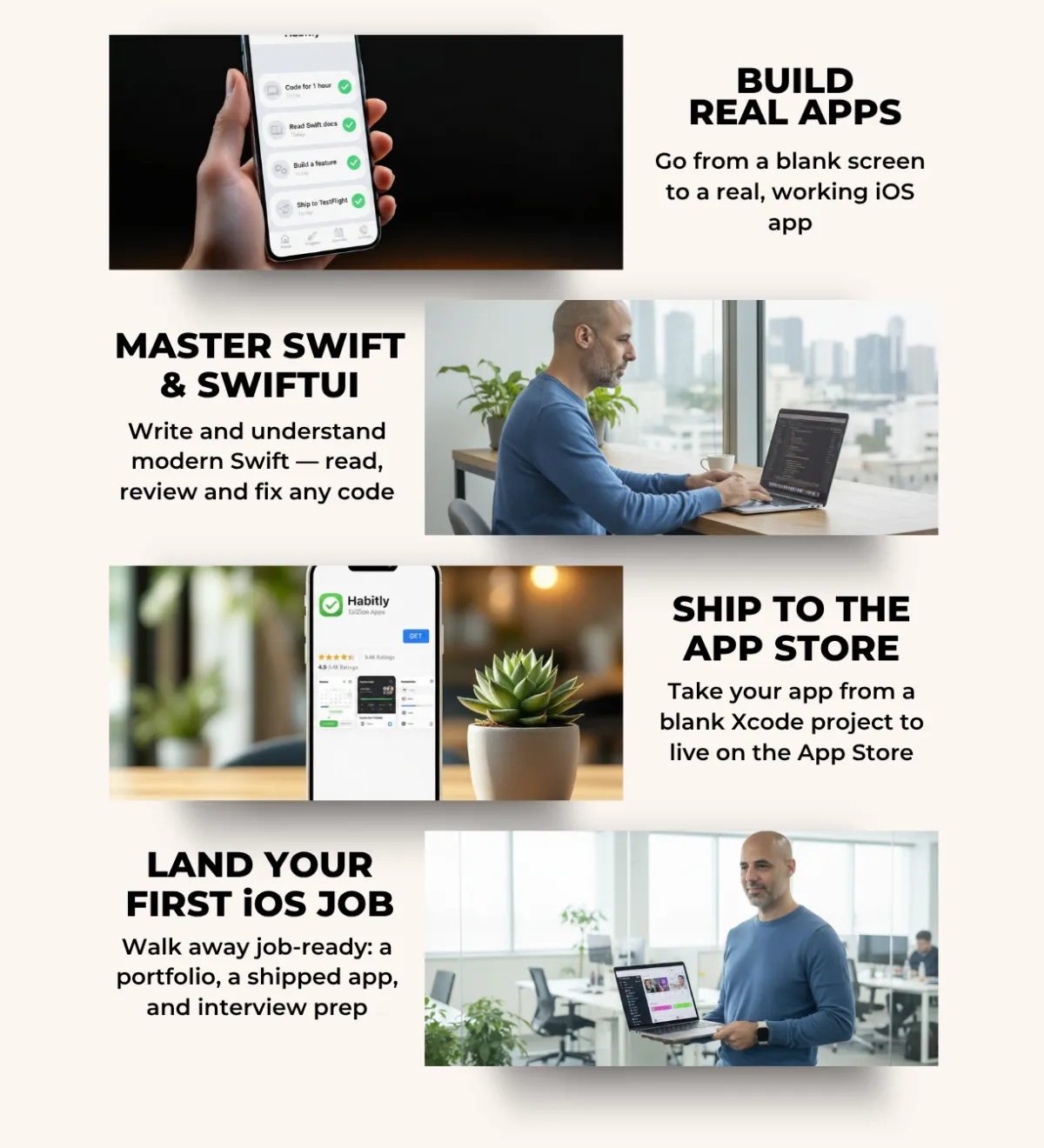
Build it, break it, fix it, SHIP it
Every day is a hands-on mission. You write real Swift and learn to read, review, and fix any code — yours or an AI's.
✅
One path: blank Xcode project to the App Store
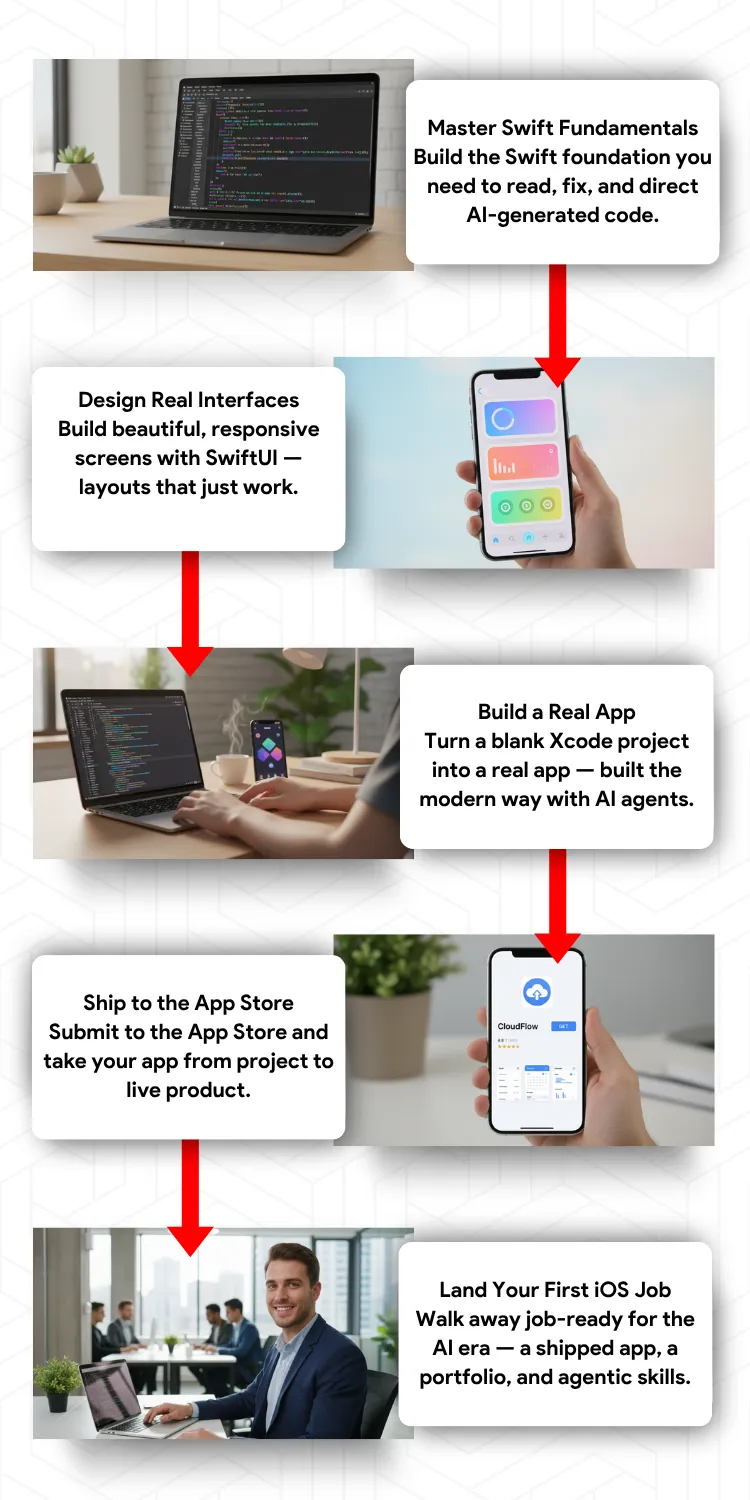
Networking, a real Firebase backend, MVVM, debugging, CI/CD, store submission. Nothing skipped.
✅
Walk out ready for your first job in the AI era
A shipped app, a portfolio, and interview prep from someone who has run hundreds of interviews and knows what recruiters look for.
Plus So Much More!
Scroll down to see everything you get lifetime access to...
14 Days Agentic iOS Development Mastery
Here's What You Will Learn:
Day 1: Set Up Like a Real Developer
✓ Install the exact tools pros use — free
✓ Build your first real Xcode project
✓ The Git & GitHub workflow pros use
✓ Skip the setup mistakes that stall you
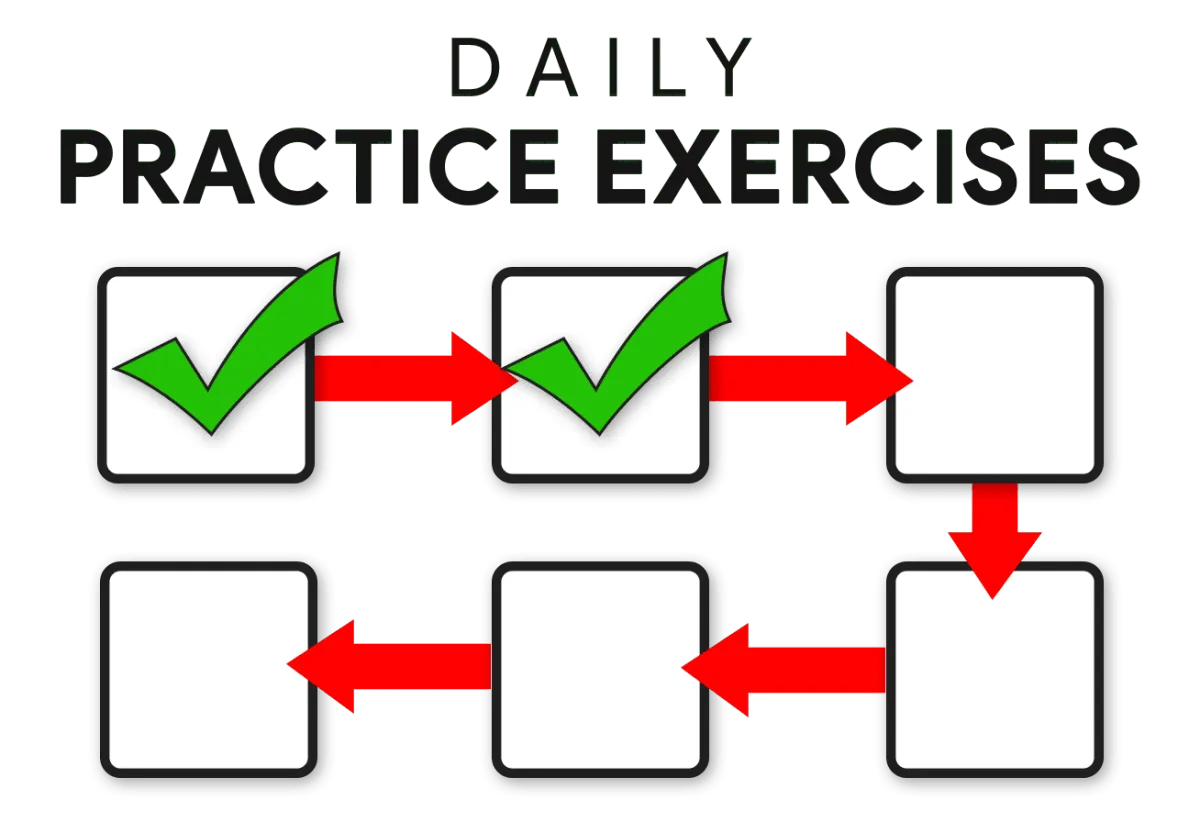
✓ 1-Hour Exercise
You're early — and that's your advantage. Days 1 is live, 2-14 in production.
As a founding member, you shape what we build next.
Day 2: Master Swift in a Single Day
✓ Swift core: variables, functions, flow
✓ The Optionals trick that prevents crash #1
✓ Read & direct AI-generated Swift — and catch what it gets wrong
✓ Build a working tip calculator
✓ 1-Hour Exercise

Day 3: Design Your First Real Interface (Coming Soon)
✓ How SwiftUI works — and why it's the future
✓ Stacks, modifiers & layouts that behave
✓ Images, SF Symbols, colors & gradients
✓ Composition that looks truly designed
✓ 1-Hour Exercise
Day 4: Build Multi-Screen Apps (Coming Soon)
✓ Navigate screens with NavigationStack
✓ Tabs, sheets & full-screen flows
✓ Pass data cleanly between screens
✓ Why the old navigation quietly breaks
✓ 1-Hour Exercise

Day 5: Make Your App Come Alive (Coming Soon)
✓ @State & @Binding that power live UI
✓ Toggles, sliders & pickers on real data
✓ Where state belongs — and what breaks
✓ The model that makes SwiftUI click
✓ 1-Hour Exercise
Day 6: Lists, Data & Models (Coming Soon)
✓ Dynamic lists from real data, not stubs
✓ Custom models: structs & Identifiable
✓ Rows that look shipped, not default
✓ Add, delete & reorder items smoothly
✓ 1-Hour Exercise
Day 7: Connect Your App to the Internet (Coming Soon)
✓ What an API really is — made simple
✓ Fetch live data with async/await
✓ Turn messy JSON into clean models
✓ Let an AI agent scaffold the networking, then fix & harden it
✓ 1-Hour Exercise
Day 8: Add a Real Backend with Firebase (Coming Soon)
✓ Add sign-in with email & Apple fast
✓ Store & sync data live with Firestore
✓ Upload images & track analytics
✓ Turn your demo into a real product
✓ 1-Hour Exercise
Day 9: Architect Your App Like a Pro (Coming Soon)
✓ The MVVM pattern senior devs rely on
✓ Split logic from UI with ViewModels
✓ Refactor a messy screen into clean code
✓ The pattern interviewers expect
✓ 1-Hour Exercise
Day 10: Debug Like a Senior (Coming Soon)
✓ Read a crash & fix it in minutes
✓ Breakpoints & the LLDB console
✓ Kill the "nil unwrap" crash for good
✓ The one debug skill AI can't replace
✓ 1-Hour Exercise
Day 11: Advanced Layout & Animation (Coming Soon)
✓ Layouts that fit every screen size
✓ GeometryReader & pro layout tools
✓ Animations & transitions that feel premium
✓ Polish that feels built, not generated
✓ 1-Hour Exercise
Day 12: Forms & User Input Done Right (Coming Soon)
✓ Text fields & validation that just work
✓ Reusable form components for every app
✓ Stop bad data at the door
✓ Instant feedback with alerts & states
✓ 1-Hour Exercise
Day 13: Ship It to the App Store (Coming Soon)
✓ Automate builds with CI/CD & Fastlane
✓ Test with real users via TestFlight
✓ Pass Apple's review & submit
✓ The exact launch checklist pros use
✓ 1-Hour Exercise
Day 14: Land the Job — Career Launchpad (Coming Soon)
✓ A portfolio that grabs recruiters
✓ A dev CV that gets callbacks
✓ Prep for the iOS interview questions
✓ The whiteboard walkthrough demystified
✓ 1-Hour Exercise
Limited Time Pre-Launch Bonuses
Amazing Bonuses
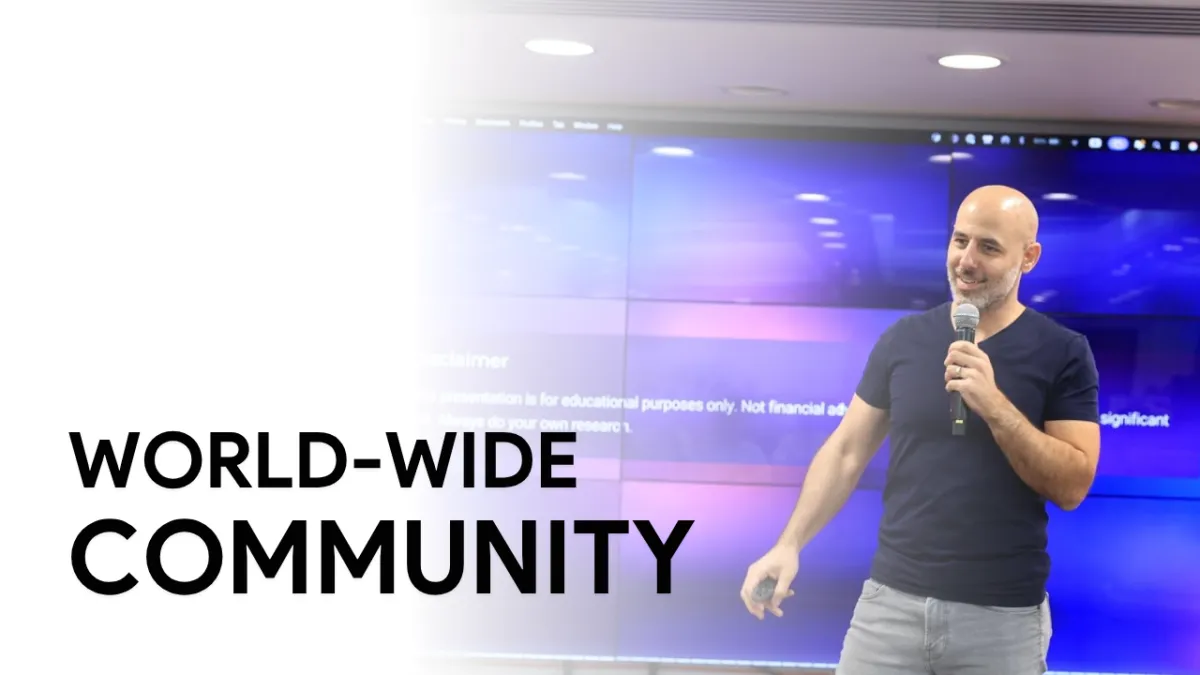
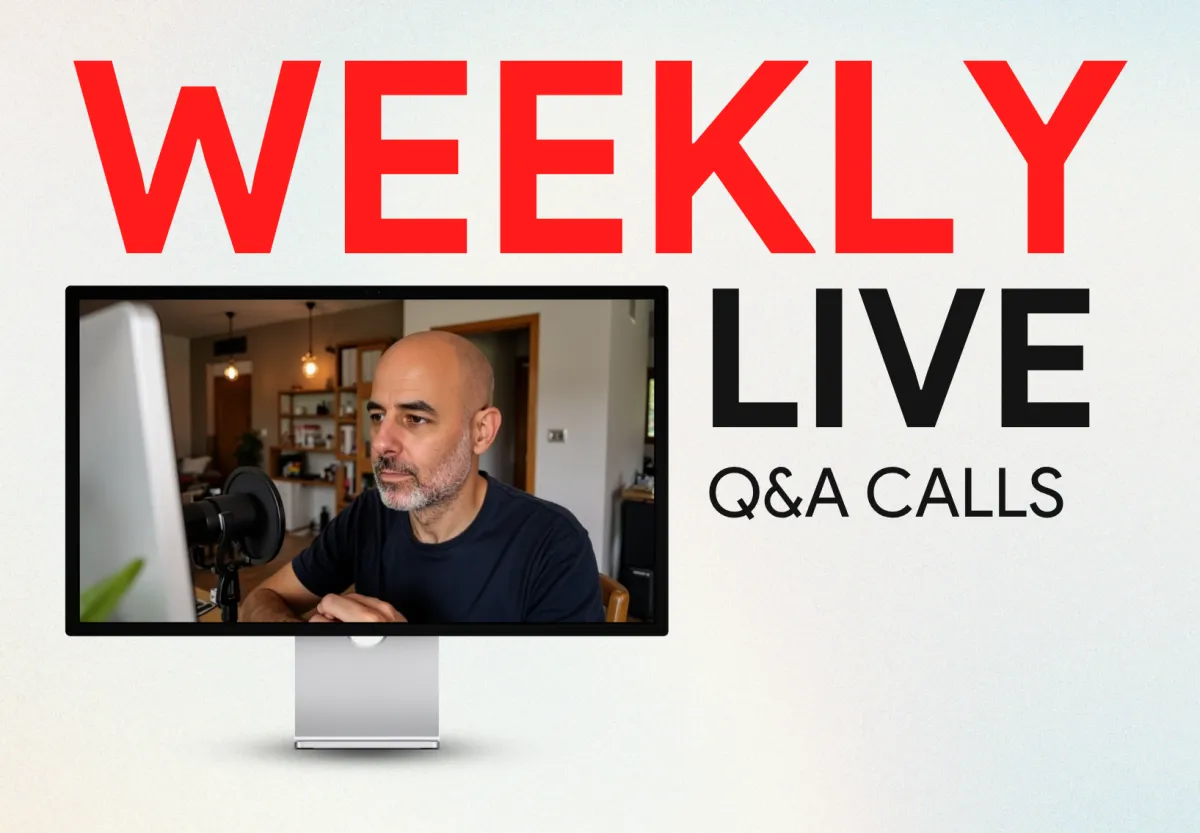
Weekly Live Q&A with Tal: I host a live call every single week. Ask me anything, get your code unstuck, and learn from others on the same path.
Private Community: Build alongside other students who are shipping their first apps. As a founding member, the course gets shaped around your questions, something later buyers will not get.
Founding-Member Pricing: Lock in the lowest price this course will ever be, for life.
What's Included In 14 Days Agentic iOS Development Mastery
Meet Your Instructor
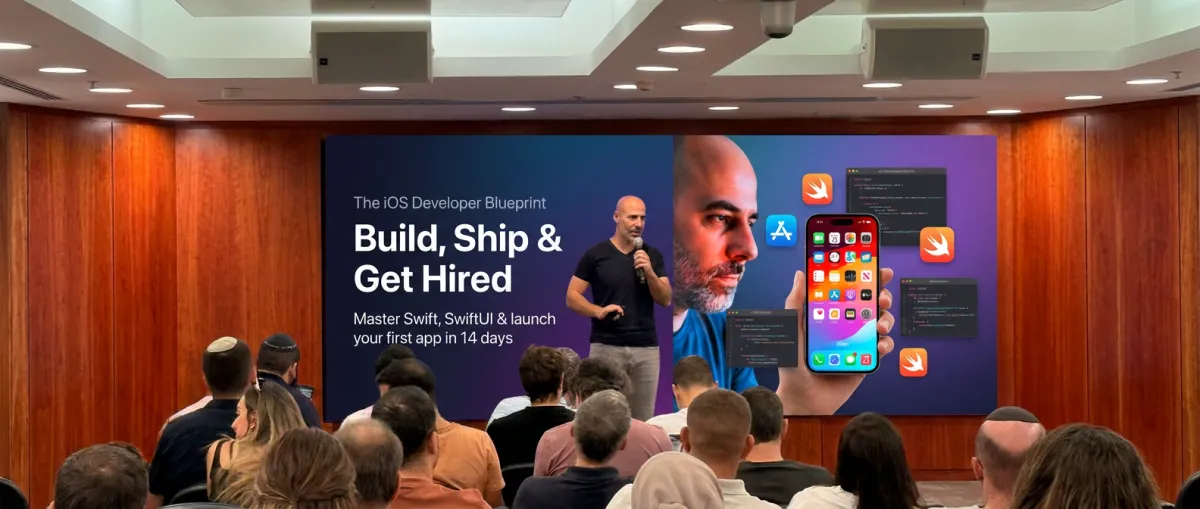
My name is Tal, and I didn't grow up around computers. As a kid I played
soccer and thought programming was for "smart geek people." My first career was in aviation, and my degree never taught me a single line of mobile development.
So in 2014, when I had an app idea, I started from nothing — I bought my first Mac and taught myself Swift when almost no one was using it. No bootcamps, no courses, just late nights and a wall that felt a hundred feet tall. I couldn't read code, and I honestly thought, "maybe this just isn't for me."
What got me through wasn't talent — it was loving the craft and refusing to quit. I kept going until it clicked, and I shipped my first app to the App Store entirely by myself. That gave me the confidence to interview — I was hired as a junior in 2015, and two years later I was leading senior developers. Since then I've shipped 50-60 apps used by millions, and taught over 1,000 students.
And guess what the #1 thing I've learned is…?
"You don't need a computer science degree, a perfect setup, or a 'genius' brain to become a great iOS developer."
When I hire, I never look at degrees — I look for grit and the drive to teach
yourself. 80% of my team are self-taught, and they outperform everyone else.
AND THAT'S EXACTLY why I built this course — and why now. We're in the agentic era, and most people get it backwards: AI isn't replacing developers, it's raising the bar. Anyone can prompt an AI — it takes a real developer to understand, review, and fix what it writes. This isn't just an iOS course; it's iOS for the agentic era, built to make you the developer companies actually hire.
And if you think you've started too late — you haven't. I didn't move into mobile development until I was 30. It's never too late.
But I get it — right now, all you care about is CAN I ACTUALLY HELP YOU? So Day 1 is free. Watch it, build something real, and decide for yourself.
I host a live Q&A every week in our private community — I hope to meet you soon!
Who Is This Course For?
You want to build and ship real iOS apps and understand every line, not just paste AI output.
You value SPEED, two focused weeks, not two lost years or a $10k bootcamp.
You are aiming for your first iOS job and need real, demonstrable skills.
What Categories Do We Focus On?
Beginners who want a real, structured start
Self-taught devs stuck before the hard parts like networking, backends, and shipping
Developers from other stacks moving into iOS
AI-first builders who want to understand their generated code
Anyone aiming for their first iOS job
And so much more!
Who Is This Course NOT For?
You want a magic button. You will write real Swift here, that is the whole point.
You only want to copy-paste AI output and never look under the hood.
You do not value SPEED, there are slower, pricier paths if you have infinite time.
Frequently Asked Questions
What skill level is this program for?
From zero. Days 1 and 2 build Swift from scratch, so if you have never written code, you start exactly where you should. Already coding? You will move faster and fill the gaps that trip people up.
How long do I have access to the program & when does it start?
Instant, lifetime access the moment you join, on every device you own. 14 days of content and hands-on missions, at your pace, forever.
Can't I learn all of this on Youtube?
You can find pieces. What you cannot find is one structured path from a blank project to the App Store, with a hands-on mission every day so it becomes real skill, not 40 open tabs and AI code you cannot explain.
Do I need a Mac?
Yes. iOS development needs a Mac with Xcode, and Xcode is free. That is the one hard requirement.
Will AI make iOS developers obsolete?
The opposite. More AI-generated code means more demand for people who can review, debug, and own it. This whole course is built to make you that person and land your first job in the AI era.
Is there a guarantee?
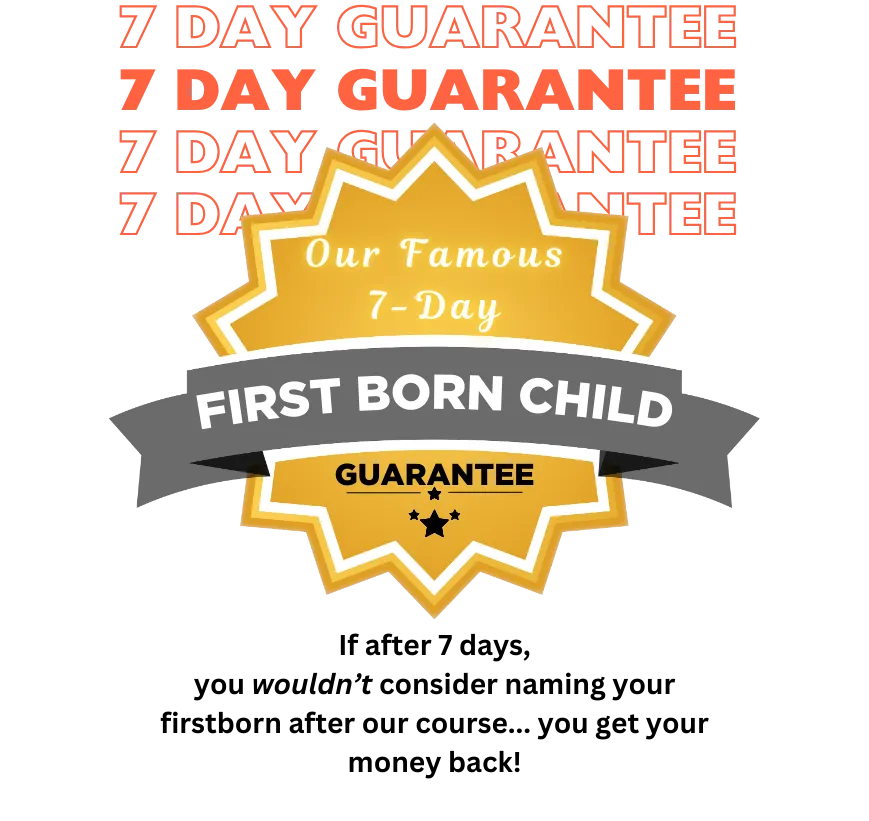
Yes, a 7-Day Satisfaction Guarantee. Go through it; if you are not completely satisfied, email within 7 days for a full refund, no questions asked.